An Instagram Graph API media-fetch prototype, held back for a token-security review
Why this needed more than a Webflow embed
Pulling Instagram media into a site sounds like a simple embed, but it isn't once an access token is involved. The token has to be requested, stored, and refreshed somewhere that isn't a public page's custom code — and every failure state (expired token, rate limit, missing field) needs a plan before real content depends on it.
What the prototype was built to test
The goal was narrow: confirm that a script could authenticate against the Instagram Graph API, request the fields a content workflow would actually need — id, caption, media URL, permalink, timestamp — and surface the result, or a clear error, back to whoever triggered the fetch.
A working fetch, wrapped in a protected form
The current build sits behind a protected form-style toggle. It reads an access token, calls the Graph API for the fields above, and writes the response or an error message into a feedback box — proof that the mechanics work, without yet exposing anything publicly.


Our other projects
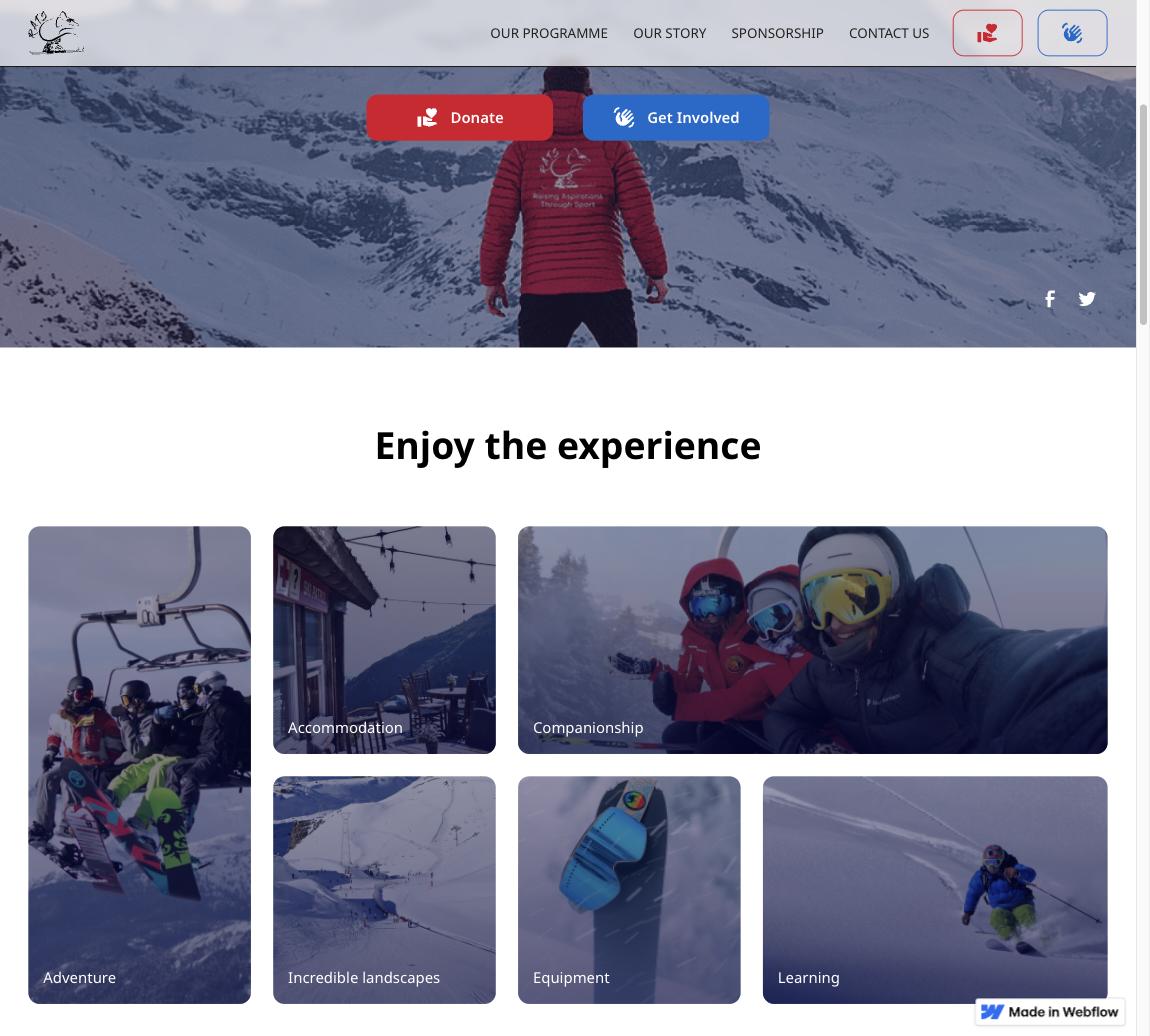



The brief was to test whether Instagram media could be pulled into a workflow that a Webflow-built site could eventually surface, using KST's account as the first test case.
Social integrations look simple from the outside, but Instagram's Graph API requires an access token, and token handling done carelessly is a real security and compliance risk — not something to prototype directly on a live, public page.
Nothing about this should be published — as a screenshot, a described workflow, or a named client — until the token storage model, the permission boundary, and the intended CMS destination are all decided and reviewed.
A JavaScript routine authenticates against the Instagram Graph API, requests id, caption, media_url, permalink, and timestamp for the connected account, and reports success or failure into a response element inside a protected form flow.
A protected form/UI layer collects or references the access token, browser-side JavaScript calls the Instagram Graph API for the defined media fields, and the result — or an error — is written back into a feedback element. There is no backend token store or CMS write step yet, which is exactly what the next phase needs to add.
- Protected-form gated trigger for the fetch
- Instagram Graph API media fetch by access token
- Captures id, caption, media URL, permalink, and timestamp
- Inline success/error feedback in the UI
- Flagged for secure token handling before any production use

This stays a private prototype until the workflow around it — token storage, permissions, and the display destination — is defined and reviewed. At that point it can be rebuilt as a public case study.
- Confirmed working call to the Instagram Graph API for five media fields
- Protected-form gating already in place around the trigger
- No public-safe workflow or screenshots exist yet — by design
Why isn't this shown as a finished case study?
Because it isn't one yet. The Graph API call works, but nobody has decided where the access token lives, who can trigger the fetch, or what happens to the media once it lands — those decisions have to be made before this becomes a workflow SoFlow can put a client's name on.
Why put this in Webflow if external code is involved?
Webflow stays the public storytelling and CMS layer here too — the Graph API call, the token handling, and the response logic belong in versioned, testable code outside the CMS, not inside a page's custom code embed.
What has to happen before this gets published?
A token-storage decision, a defined data destination (CMS field, gallery, feed), and screenshots built from placeholder Instagram media rather than a real account.
It proves the integration is technically viable, not that it's ready to ship. The value here is a validated starting point, not a finished workflow.
Why isn't this shown as a finished case study?
Because it isn't one yet. The Graph API call works, but nobody has decided where the access token lives, who can trigger the fetch, or what happens to the media once it lands — those decisions have to be made before this becomes a workflow SoFlow can put a client's name on.
Why put this in Webflow if external code is involved?
Heading 1
Heading 2
Heading 3
Heading 4
Heading 5
Heading 6
Lorem ipsum dolor sit amet, consectetur adipiscing elit, sed do eiusmod tempor incididunt ut labore et dolore magna aliqua. Ut enim ad minim veniam, quis nostrud exercitation ullamco laboris nisi ut aliquip ex ea commodo consequat. Duis aute irure dolor in reprehenderit in voluptate velit esse cillum dolore eu fugiat nulla pariatur.
Block quote
Ordered list
- Item 1
- Item 2
- Item 3
Unordered list
- Item A
- Item B
- Item C
Bold text
Emphasis
Superscript
Subscript
Heading 1
Heading 2
Heading 3
Heading 4
Heading 5
Heading 6
Lorem ipsum dolor sit amet, consectetur adipiscing elit, sed do eiusmod tempor incididunt ut labore et dolore magna aliqua. Ut enim ad minim veniam, quis nostrud exercitation ullamco laboris nisi ut aliquip ex ea commodo consequat. Duis aute irure dolor in reprehenderit in voluptate velit esse cillum dolore eu fugiat nulla pariatur.
Block quote
Ordered list
- Item 1
- Item 2
- Item 3
Unordered list
- Item A
- Item B
- Item C
Bold text
Emphasis
Superscript
Subscript

There was no tested path for getting Instagram media into a KST-facing workflow — only the assumption that the Graph API could supply it.
The Graph API fetch itself is proven end-to-end. What's left is the harder part: deciding where the token lives, who can run the fetch, and where the media ends up.
A standard Webflow embed has no safe place to keep an access token and no structured way to handle Instagram's error responses or rate limits. This needed real application code that could manage authentication and failure states outside the CMS.
